Contentful development
Contentful Development for Fast, Editor-Friendly Websites
I build headless CMS websites and apps with Contentful, connected to fast Next.js or Gatsby frontends. That means a content model shaped around how your team actually works, previews before anything goes live, and a publishing flow your marketing team can run without waiting on a developer.
Who it's for
- Marketing teams who want to publish and update pages without asking a developer every time.
- Startups planning a content-heavy site that needs to be fast and well structured for search.
- Businesses moving off an older site or WordPress and considering a headless CMS.
- Teams that already use Contentful but find the content model messy or hard for editors to use.
- Companies that need the same content in more than one language or on more than one channel.
- Founders unsure whether Contentful is worth it, who want an honest second opinion first.
Contentful is a headless content management system (CMS): a place where your team writes and organises content, which your website then pulls in and displays. As a Contentful developer, my job is to set it up so editors find it easy, developers find it predictable, and visitors get a fast site.
What a headless CMS is, and why teams choose Contentful
In a traditional CMS like WordPress, the editing screens and the website are one system. A headless CMS splits them. Contentful stores and manages the content, and a separate frontend, usually built with Next.js or Gatsby, decides how it looks.
That split brings some real advantages:
- Speed. The frontend can be built for performance without fighting a theme or a pile of plugins.
- Flexibility. The same content can feed a website, an app or another channel.
- Safer editing. Editors work in structured fields, so they can't accidentally break the page layout.
Contentful in particular is a mature, well-documented platform with a clean editing interface, built-in support for multiple languages and a flexible Images API that resizes and converts images on the fly. Its developer documentation (opens in a new tab) is thorough, so nothing I build depends on knowledge only I have.
Content modelling: the decision that makes or breaks it
A content model is the set of building blocks your editors work with: content types such as "Blog post", "Landing page" or "Team member", the fields inside them, and how they link to each other through references.
Get this right and editors can build new pages from reusable components, such as a hero, a feature grid or an FAQ block, without asking for help. Get it wrong and you end up with confusing fields, duplicated content and pages only a developer can assemble.
So I start with a content audit. I look at the pages you have and the pages you'll need, then plan the model with you before writing any frontend code. I name fields in your team's language, add help text and validation, and keep the number of content types as small as it can sensibly be.
Fast frontends with Next.js or Gatsby
For most projects I pair Contentful with Next.js. Pages are rendered on the server or ahead of time, so they load quickly and search engines can read them easily. When content changes, only the affected pages need refreshing, not the whole site.
Gatsby and Contentful also work well together, especially for mostly static marketing sites, and I'm comfortable maintaining existing Gatsby builds.
Whichever frontend you choose, I handle the details that often get skipped:
- Rich text rendered properly, including links and embedded entries
- Images served at the right size and format through the Contentful Images API
- SEO fields editors can fill in for every page, plus social previews and a sitemap
- Localisation, with each language at its own URL
Previews, publishing and webhooks
Editors need to see a page before it goes live. I set up draft previews so a "Preview" button in Contentful opens the unpublished version of the page on your real site design. Where it suits your setup, Contentful's live preview lets editors see changes as they type.
Publishing is then handled by webhooks: messages Contentful sends to your site when something changes. With Next.js, a webhook can tell the site to refresh just the pages that use that entry. With Gatsby, it typically triggers a fresh build. Either way, your team presses publish and the update appears without a developer.
Moving your content into Contentful
If you're coming from an older site or WordPress, I can migrate your content using scripts that create entries through Contentful's management tools. Clean, structured content moves across well. Content built with page builders or lots of hand-written HTML often needs some manual tidying, and I'll give you an honest estimate after the audit. Old URLs get redirects, so you don't lose links or search visibility unnecessarily.
Is Contentful right for you?
Not always. A headless CMS adds a separate service and a separate subscription, and Contentful's plans and prices are set by Contentful, so check them for your team size.
If you run a simple brochure site or a blog with one or two editors, WordPress development may be the better choice. If only developers edit the content, plain MDX files in the codebase can be simpler still.
Contentful earns its place when several people publish regularly, content is reused across pages or languages, and speed matters. If you already have a Contentful site that feels slow or awkward, a fixed-price production audit will show what to fix first. You can compare all the ways to work together on the pricing page, or get in touch to talk through your content.
What's included
Content model
Content types, fields, references and reusable components, planned with you and documented so everyone knows what each one is for.
Contentful setup and roles
Your space and environments configured in your own Contentful account, with editor roles and permissions set up as far as your plan allows.
Frontend build
A fast, responsive Next.js or Gatsby frontend in TypeScript that pulls content from Contentful and handles rich text and images properly.
Preview and publishing flow
Draft previews so editors can see exactly how a page will look before they press publish.
Webhooks and revalidation
Contentful webhooks that refresh or rebuild the right pages when content changes, so updates appear without a manual deploy.
SEO and performance
Editable SEO fields, social previews, a sitemap and optimised images, with attention to loading speed on mobile.
Editor guide and handover
A plain-English guide for your editors, technical documentation for developers and a walkthrough call.
How it works
Step 1: Free 20-minute call
Day 1
We talk about your site, your content and who will be editing it. If Contentful isn't the right fit, I'll say so.
Step 2: Content audit, model plan and fixed quote
Within a few days
I review your existing content and pages, sketch the content model and send a fixed quote broken into milestones.
Step 3: Build in milestones
I build the model and frontend in milestones, with a preview link you can click through and a written update every week.
Step 4: Content migration and launch
Existing content is moved across and checked, redirects are set up where URLs change, and we go live on your domain.
Step 5: Editor training and handover
Your team gets a walkthrough and an editor guide, and you keep full ownership of the code and the Contentful space.
Related case studies
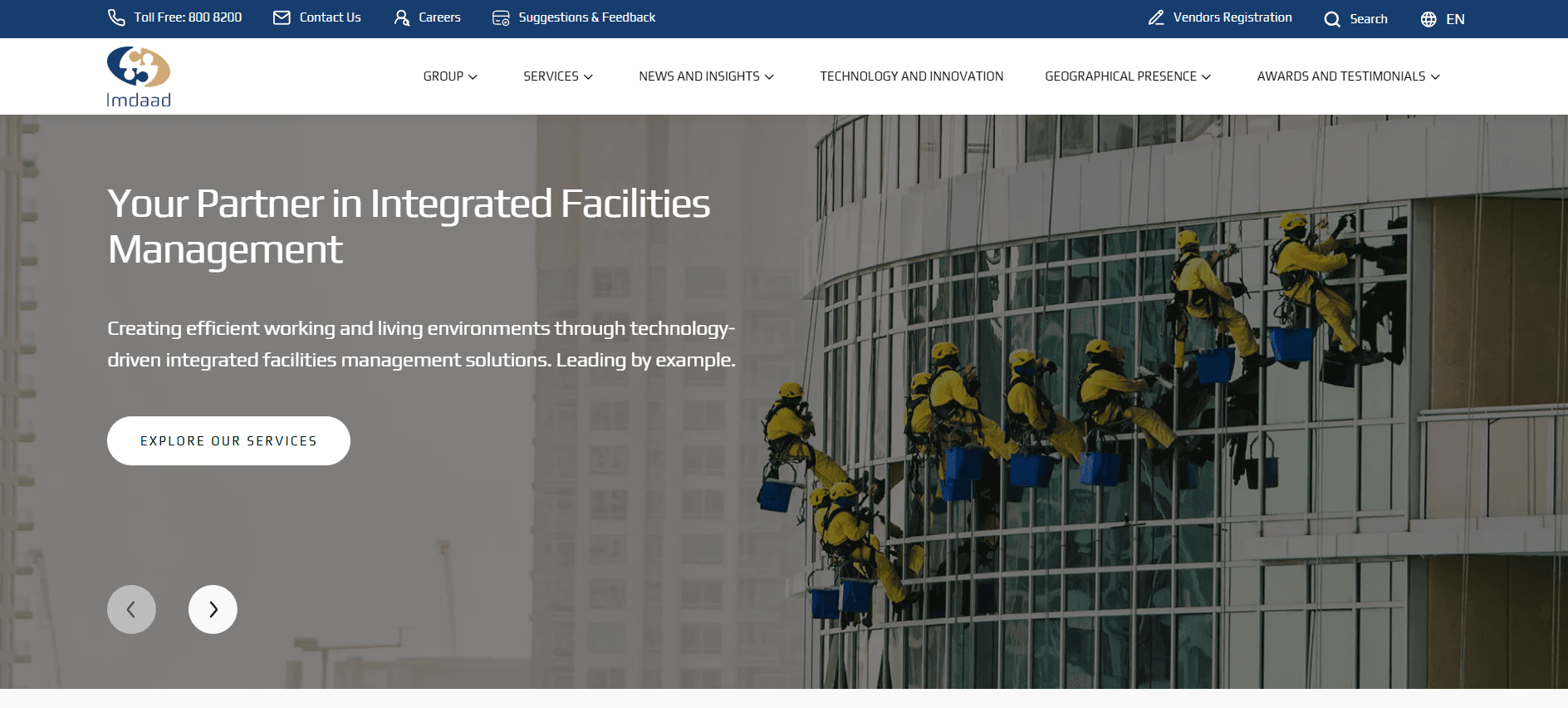
Facilities Management · Corporate website · 2025
Imdaad: A Bilingual Corporate Website on React and Contentful
Freelance build of Imdaad's English and Arabic corporate website on React, TypeScript and Contentful, from mid-build to launch, plus a caching fix.
6–8 months from mid-build to full launch
- React
- TypeScript
- Contentful (headless CMS)
- English + Arabic (RTL)
FAQ
Questions about this service
Do you work with Contentful and Gatsby as well as Next.js?
Yes. Both are in my regular toolkit. For most new projects I recommend Next.js because it can update individual pages when content changes, but Gatsby works well for mostly static sites, and I'm happy to work on an existing Gatsby and Contentful codebase.
Can my marketing team publish without a developer?
That's the main goal of the setup. I design the content model around the pages your team creates, add previews so they can check their work, and connect webhooks so published changes go live automatically. You get an editor guide too, so new team members can get started quickly.
Can you move our WordPress content into Contentful?
Usually, yes. Structured content like posts, authors and categories moves across well with scripts. Content built with page builders or lots of custom HTML often needs some manual tidying, and I'll tell you how much after the content audit rather than guessing up front.
Can you fix our existing Contentful setup?
Yes. I can review your content model and frontend, then suggest changes in plain English. Content models can be changed safely using scripted migrations, tested in a separate environment before they touch your live content.
Does Contentful support multiple languages?
Yes. Contentful has built-in locales, so each field can hold a version per language, and I can set fallbacks for content that hasn't been translated yet. The frontend then serves the right language at the right URL, with the language tags search engines expect.
How much does a Contentful project cost?
My work is quoted as a fixed price after a free call and a look at your content, paid per milestone. Contentful's own subscription is separate and billed by Contentful, so check their current plans to see which tier suits your team.