Node.js APIs and backends
Node.js Backend Developer for Secure APIs and Firebase Backends
Your backend is the part of your product users never see but always rely on: it checks who is allowed to do what, keeps your data consistent and talks to payment, email and other services on your behalf. I design and build Node.js backends that are secure, documented and easy for the next developer to pick up.
Who it's for
- Founders who need an API behind a new web or mobile app and want it built properly from day one.
- Teams whose app calls third-party services straight from the browser and needs those secret keys moved to a server.
- Products on Firebase that have outgrown security rules alone and need Cloud Functions for real business logic.
- Businesses adding payments, transactional email or webhooks from another service to an existing app.
- Founders with an AI-built prototype whose backend works in a demo but has not been designed for real users.
- Small teams that want a backend they can understand, with documentation and a clean handover.
What a good backend does for your product
If your app is the shop front, the backend is the locked back office, where the important decisions happen out of reach of anyone poking around in their browser. When you hire a Node.js developer, this is what you are paying for. A backend does four jobs:
- It is your security boundary. Anything that runs in the browser can be read and changed by the person using it. The backend is the one place you control, so it is where you decide who is signed in and what they are allowed to do.
- It enforces your business rules. Prices, discounts, usage limits, who can approve what. If these rules only live in the frontend, someone can bypass them with a few minutes of effort.
- It protects your data. A good backend checks every request before it reaches the database, so you do not end up with half-saved orders, duplicate accounts or records that no longer match.
- It connects you to other services. Payments, email, AI models and other third-party APIs need secret keys. The backend holds those keys and makes the calls on your behalf.
I have built this kind of backend logic in production: for timegram, a privacy-first time-tracking SaaS, and for Atompoint's Global School Payment platform, both built with Node.js and Firebase, where I worked on the user interface and the backend logic behind it.
What I build
REST APIs with Express
Most of my Node.js API development uses Express (opens in a new tab), a lightweight and widely used framework for building APIs on Node.js (opens in a new tab). An Express REST API is a set of clear addresses (endpoints) your app calls to read and change data, such as "create an order" or "list this customer's invoices". I write them in TypeScript and organise the code so each part has one job.
Firebase and Firestore backends
If your product runs on Firebase, I work as a Firebase backend developer: designing your Firestore data structure, writing security rules, and moving sensitive logic into Cloud Functions (opens in a new tab), small pieces of server code that run when something happens, such as a new sign-up or a completed payment.
Data, accounts and integrations
- MongoDB and Firestore data models designed around how your app actually reads and writes data.
- Authentication and authorisation: sign-in, user roles, and server-side checks on every request.
- Payments, email and webhooks: connecting payment providers, transactional email and notifications that other services send to your app.
- Scheduled and background jobs: reminders, reports, clean-ups and anything that should run on a timer rather than while a user waits.
Moving logic out of the browser
This is one of the most common problems I see, especially in apps built quickly with AI coding tools. The prototype works, but the browser talks directly to OpenAI, Stripe or the database, with secret keys bundled into the code anyone can download.
The fix is to put a thin, secure API between your app and those services. The frontend asks your backend to do something; the backend checks who is asking, validates the request, applies your rules and only then calls the outside service. If your app was built with AI tools and you are not sure how exposed it is, my AI app production-ready service covers exactly this, and a fixed-price production audit will tell you what needs fixing first.
How I build APIs you can trust
A backend that works in a demo is not the same as one you can trust with real customers. On every project I include:
- Validation: every request is checked for the right shape and sensible values before it touches your data.
- Consistent error handling: users see helpful messages, while the technical details go to your logs rather than to the screen.
- Logging: so that when something goes wrong, we can see what happened instead of guessing.
- Rate limiting: limits on how often one person can hit sensitive endpoints such as sign-in or AI features, which protects you from abuse and surprise bills.
- Tests for critical paths: sign-in, permissions, payments and anything that changes important data.
- Documentation: a written description of each endpoint, often in the OpenAPI format, plus a Postman collection your team can use to try the API.
I follow widely accepted security guidance such as the OWASP API Security Top 10 (opens in a new tab). I use AI tools such as Claude Code daily to work faster, and I review every line they produce with the same rigour as code written by hand.
Deployment and handover
When the backend is ready, I deploy it to your own hosting or Firebase account, set up secrets properly, and test it end to end with your frontend. You get the source code in your repository, deployment notes, the API documentation and a walkthrough call, so you never depend on me to keep things running.
Because I also build frontends, I can make sure the API fits the screens that use it; see my Next.js development service if you need both. You can find project rates on the pricing page, or get in touch to talk through what your backend needs to do.
What's included
API design
A clear plan of your endpoints, data model and permissions, agreed with you in plain English before I write any code.
Implementation in Node.js and TypeScript
A well-structured Express API or Firebase Cloud Functions backend, written in TypeScript so mistakes are caught early.
Authentication and permissions
Sign-in, user roles and server-side checks so each user can only see and change what they are allowed to.
Validation and error handling
Every incoming request is checked before it touches your database, and errors are logged and returned in a consistent, safe format.
Integrations
Payments, transactional email, webhooks and third-party APIs connected securely from the server, with secret keys kept out of the browser.
API documentation and Postman collection
Documentation of every endpoint plus a Postman collection, so your frontend developers and future hires can work with the API straight away.
Deployment and handover
Your backend deployed to your own hosting account, with environment setup notes and a walkthrough of how everything fits together.
How it works
Step 1: Free 20-minute call
Day 1
You tell me what your product does and what the backend needs to handle. If there is existing code, I take a look at it.
Step 2: Requirements and fixed quote
Within a few days
I write up the endpoints, data model and integrations in plain English and send a fixed quote split into milestones.
Step 3: Build in milestones
1–3 weeks for small APIs
I build the backend milestone by milestone, with a written update every week and a working version you can test along the way.
Step 4: Deploy
I deploy to your hosting account, set up environment variables and secrets, and check everything works against your real frontend.
Step 5: Handover and optional retainer
You get the code, documentation and a walkthrough. If you want ongoing help, a monthly retainer is available.
Related case studies
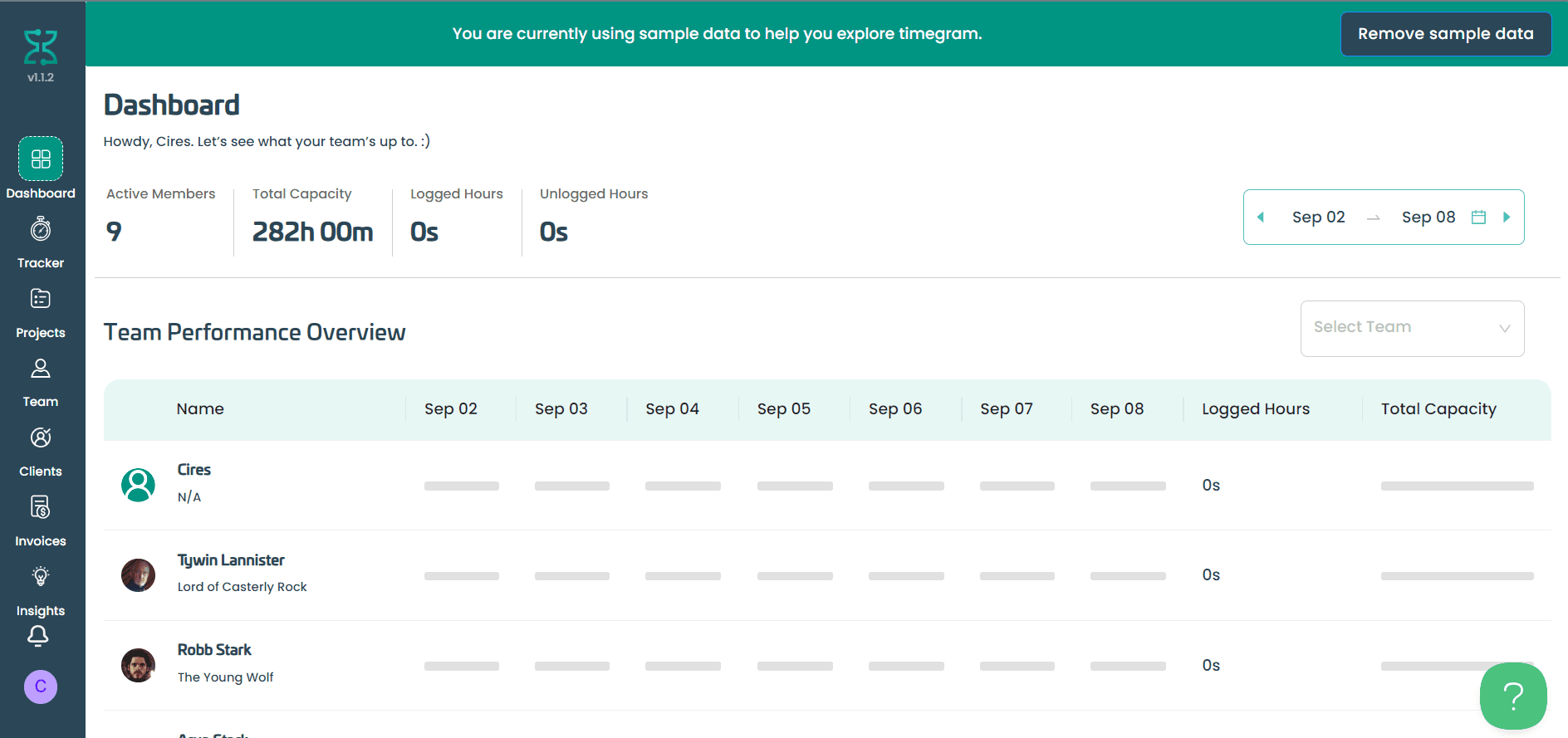
SaaS · Productivity / Workforce analytics · 2023
Timegram: Building a Time-Tracking SaaS from UI to Team Lead
2.5 years building Timegram, a privacy-first time-tracking SaaS: from the React UI to leading development across Firebase, Paddle billing and reporting.
2.5 years from the first screen to leading development
- React
- Firebase Auth
- Firebase Database
- Cloud Functions
FAQ
Questions about this service
Should my backend use Express or Firebase?
It depends on your product. Firebase with Cloud Functions is a great fit when you want to move fast and lean on managed sign-in and a realtime database. A Node.js and Express API gives you more control and suits apps with complex business rules or several different clients. I will recommend one on our call and explain the trade-offs in plain English.
Can you work with the database my app already uses?
Yes. I work most with MongoDB and Firestore, and I can work at a practical level with the database your app already uses, such as Supabase or Postgres. If your needs call for deep specialist database work, I will tell you honestly rather than overpromise.
My app calls OpenAI or Stripe directly from the browser. Is that a problem?
Usually, yes. Anything in the browser can be read by anyone using your app, including secret API keys. I move those calls behind a small server-side API so your keys stay private, and add checks so people cannot run up your bill or skip a payment step.
Will I own the backend code?
Yes. Once the work is paid for, you own all of the code. It lives in your own repository and is deployed to your own hosting account, and I am happy to sign an NDA before we start.
Do you write tests for the API?
Yes, for the parts where mistakes are expensive: sign-in, permissions, payments and anything that changes important data. I prioritise tests on those critical paths rather than chasing a coverage number, and I explain what is covered in the handover notes.
Can you also build the frontend?
Yes. I am a full-stack engineer and build React and Next.js frontends as well, so one person can design the API and the screens that use it. Many clients start with the backend and add frontend work later.