Case study · Retail · Cycling marketplace & local directory
Bikemess: A Map-Based Directory for Finding Local Bike Shops and Brands
A map-based bike shop directory: riders search by brand, category or shop, and shop owners manage their listings, stock and location from an admin panel.
- Client
- Bikemess (freelance)
- My role
- Full-Stack Developer (team of 2)
- Timeline
- 3 months
- Year
- 2023
- React
- Cloud Firestore
- Firebase Auth
- Firebase Storage
- Firebase Hosting
- Google Maps API
Overview
Bikemess helps cyclists answer a simple question that is surprisingly hard to answer online: "Which shop near me actually sells the brand or part I want?"
Riders search by brand, bike category (MTB, road, folding, e-bike) or local bike shop (LBS), and see matching shops both as a list and as pins on a map. Shop owners get an admin panel to create their store, add the bikes and brands they carry, and pin their exact location on the map.
Bikemess was a freelance project in 2023. I built it with one other developer: we were both full-stack, sharing the React frontend and the Firebase backend, with the Google Maps API for pinning shop locations.
Bikemess is no longer live. The screens below are recreated from the original designs.
The challenge
Bike shops usually list their brands on scattered websites and social pages, if at all. A rider looking for a specific brand or component has to call around or visit shops one by one. The platform had to:
- Let riders search by brand, category or shop name, and filter by region, category, opening hours and shop type
- Show results on a map so riders can see what's nearby at a glance
- Show each shop's contact details, opening hours and the brands it carries
- Give shop owners a simple way to manage their own listing, stock and location, without calling anyone
- Grow the directory through the community, by letting people suggest shops that weren't listed yet
My role
We were a team of two full-stack developers, each working across the frontend and the backend. Between us we built:
- Landing page: the marketing site, with category and brand navigation and the main search
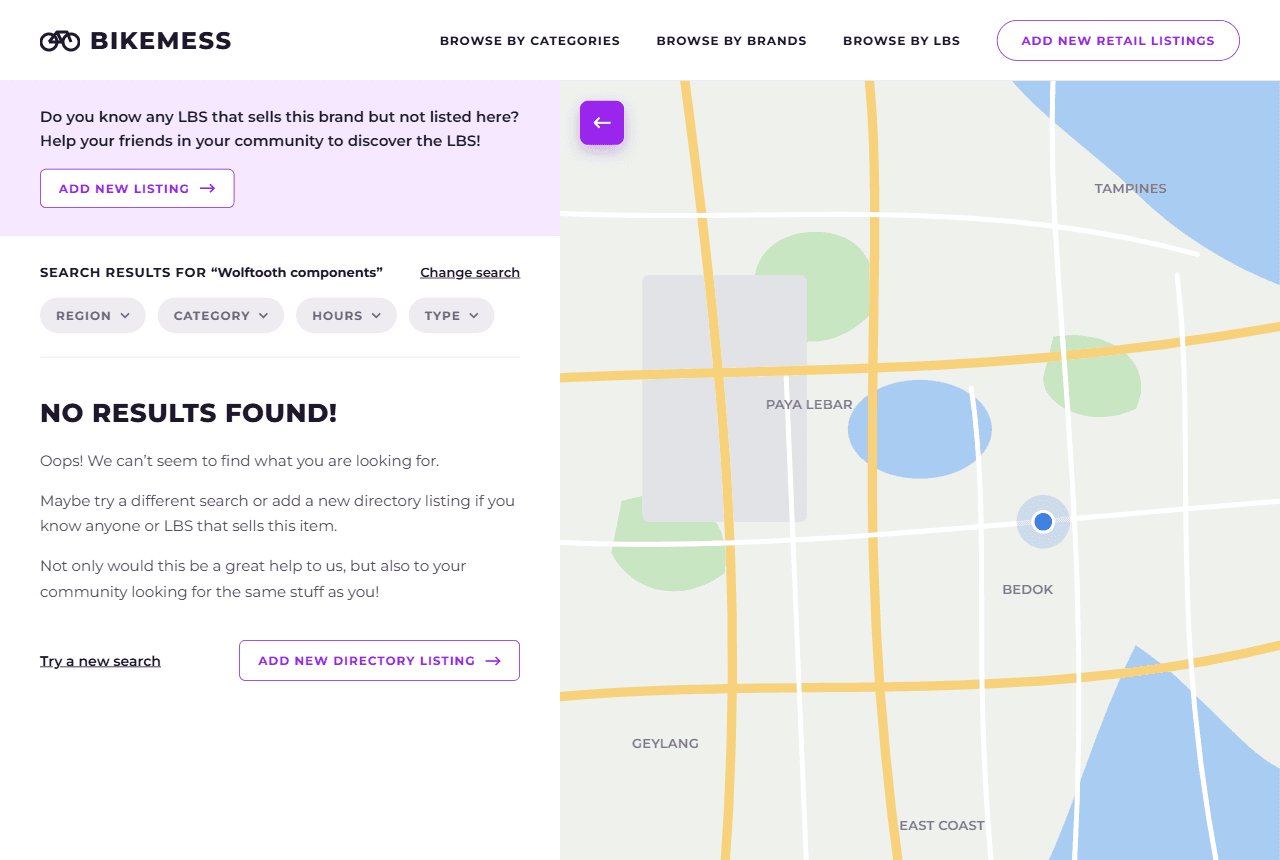
- Search and results: the brand, category and shop search, filters, result list and the empty "no results" state
- Maps: Google Maps integration for showing shops as pins and browsing them on the map
- Backend (Firebase): Firestore for shops, brands, bikes and listings, Authentication for shop owners, Storage for uploaded images, and Hosting for the web app
- Admin panel: store creation, bike and brand listings, and map pinning of the store location
- Community listings: the "add a new listing" flow for shops that aren't in the directory yet
The approach
A landing page that gets riders searching
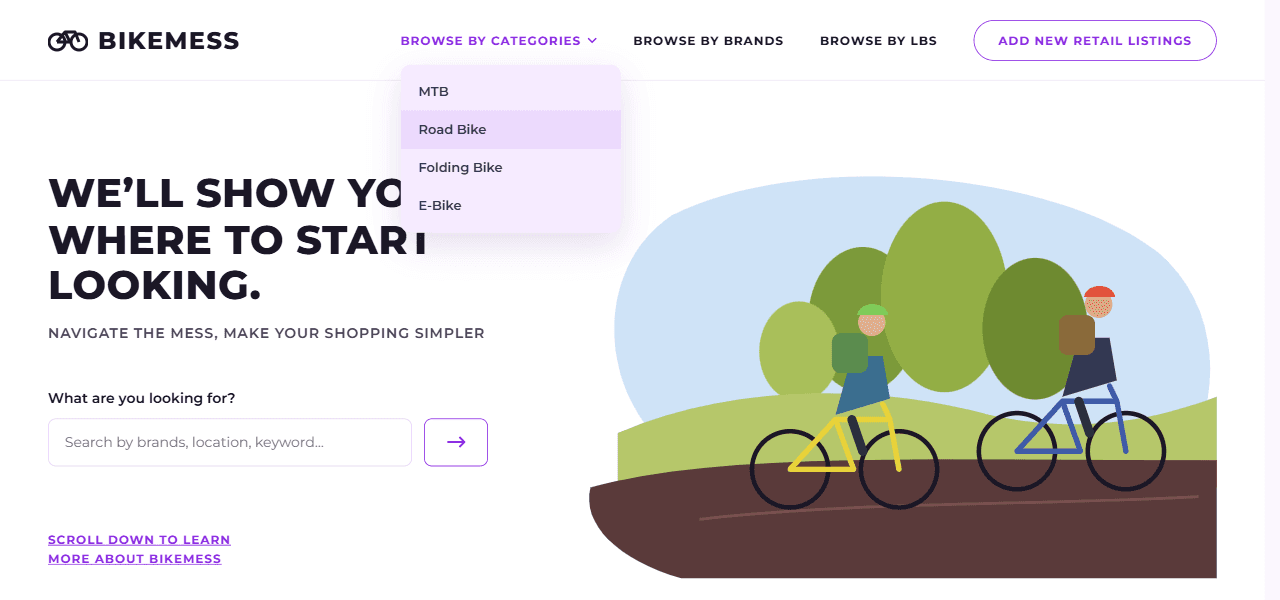
The home page opens with one clear promise ("We'll show you where to start looking") and a single search box. Riders can also browse straight from the menu by category (MTB, road bike, folding bike, e-bike), by brand, or by local bike shop.
Search results on a list and a map
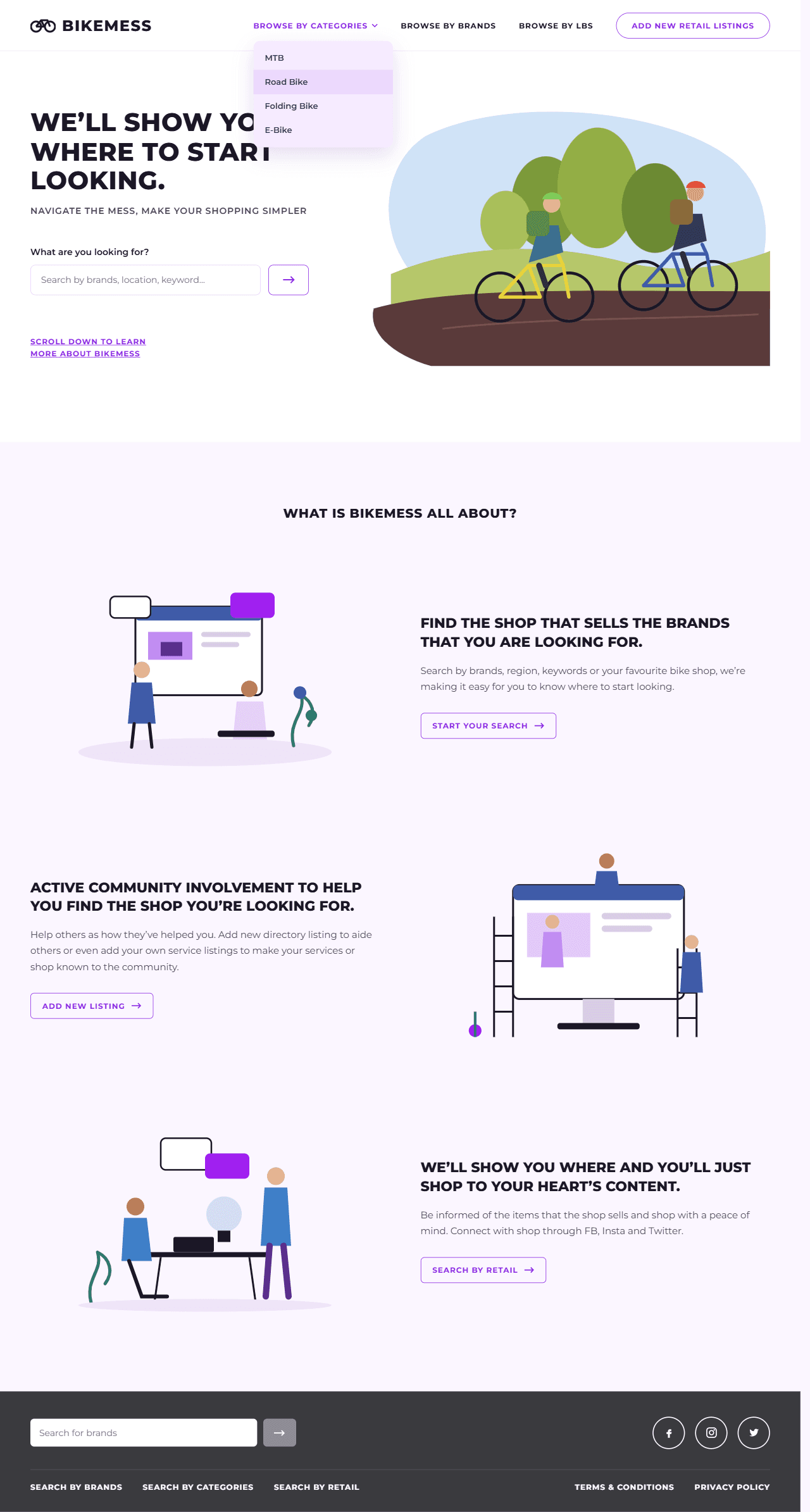
Results show as cards on the left and pins on the map on the right. Each card shows the shop's phone, email, website, address, opening hours and the full list of brands it carries, with the searched brand highlighted. Filters for region, category, hours and type narrow the list, and the map updates with it.
Browsing shops on the map
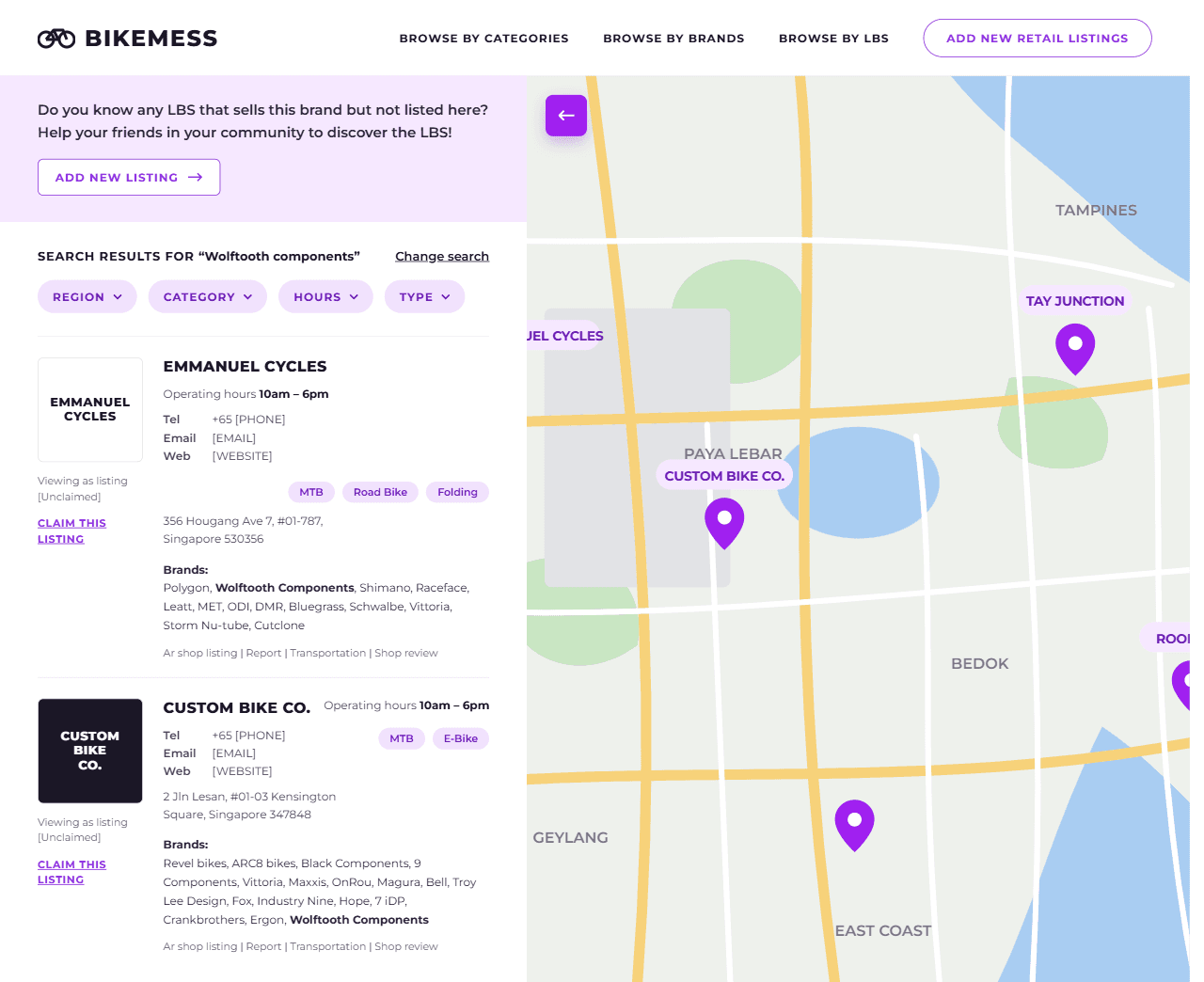
Every shop appears as a pin on the map, placed by its owner in the admin panel. Riders can pan and zoom around the map to see which shops, and which brands, are in each area.
Turning "no results" into growth
When a search finds nothing, the page doesn't just stop. It suggests trying another search and invites the rider to add a new directory listing if they know a shop that sells the item, so every failed search can help grow the directory.
Admin panel for shop owners
Shop owners sign in to an admin panel where they:
- Create their store with contact details, opening hours and social links
- Add their bikes and brands, so they appear in searches
- Pin their location on the map instead of typing an address, so map results are accurate
Architecture
- Rider site → React web app
- Admin panel → React web app
- React web app → Google Maps API: Pin locations
- React web app → Firebase Auth: Sign in
- React web app ↔ Cloud Firestore: Read / write
- React web app → Firebase Storage: Upload images
Technical highlights
- Map-first search: results shown as a list and as map pins at the exact locations owners set
- Brand-level matching: search finds shops by the brands and categories they actually carry, not just by name
- Self-service admin: shop owners manage their store, stock and exact map location on their own
- Community-driven growth: "no results" searches turn into new listing suggestions
Results
- Riders search and browse; shop owners manage their own listings and stock
- 2 sides
- Every shop shown as a pin on the map, placed by its owner
- Map-first